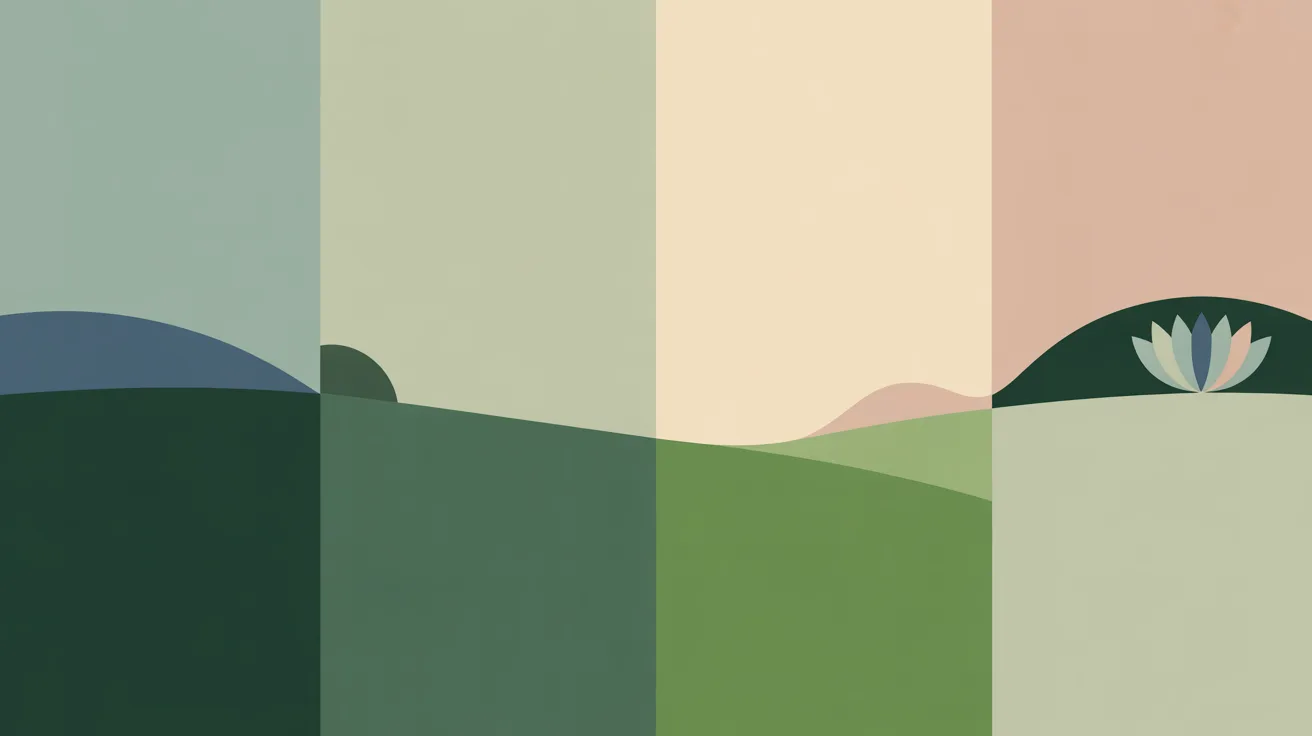
Choose the calm scene Myndo lives in, and step away into it whenever you need to.
iPhone
Android
Your quiet place is the calm scene Myndo lives in, and a way to step away from everything for a moment.
Choose your scene
Go to Settings → Personalize → Quiet place and pick one:
Campfire. Fire among tall trees (the default).
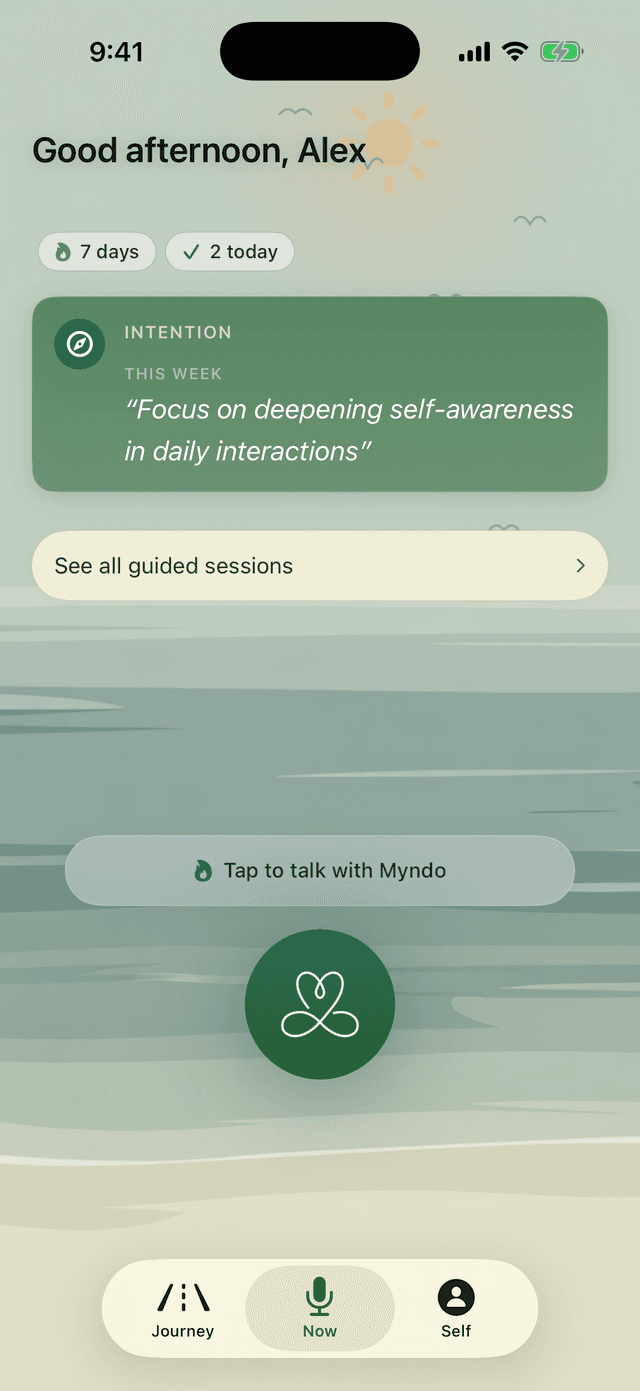
Seashore. Water meeting sand.
Rolling Hills. Open hills, wide sky.
Tap any one to see it full-screen before you choose. The scene shifts gently through the day on its own.
The Seashore scene.
Step into it
On the Now tab, scroll or swipe past the bottom of the screen and everything clears away into the scene. Just the quiet. Swipe down to return whenever you're ready. (A tap brings the hint back; it won't pull you out.)
Note: The quiet place is on iPhone and Android. It isn't part of the web app.